Everything you want to know about Bufph — what it is, how it works, and why you might love it.
Bufph is a community platform for people who are passionate about books and movies — the kind of people who always have a recommendation ready, and genuinely want to know what their friends are reading and watching.
You build a personal library of everything you've read or watched, rate and annotate items, and share your activity with people you follow. In return, your feed fills up with what they're into — a living, social record of great books and films, curated by the people whose taste you trust.
Think of it as a home for your taste, and a window into everyone else's.
Anyone who loves books or movies — and wants more than a solo experience. If you've ever wished you could easily see what your friends have been reading, or keep track of everything you want to watch without losing it in a notes app, Bufph is built for you.
You don't need to be a critic or a completionist. Casual readers, serious cinephiles, and everyone in between use Bufph the same way: add what you love, share it if you want, discover what's next.
Bufph has three parts that work together:
Your Library — everything you've read or watched, rated and annotated the way you like it. It's yours, it's searchable, and it grows with you.
Your Feed — a live stream of what the people you follow are adding and rating. When a friend finishes a book and marks it as read, it shows up in your feed. No algorithm, no ads — just the people you chose to follow.
Connections — follow friends, family, or anyone whose taste you trust. Browse their libraries, discover their favourites, and follow their connections too.
One important thing to know: items in your library only appear in other people's feeds once you mark them as read or watched. Until then, they stay private — which means your watchlist is yours alone.
There are four ways, and they all take seconds:
Take a photo — on mobile, point your camera at a book cover or a movie on your screen (Netflix, a poster, anything) and Bufph identifies it instantly. This is the fastest way.
Upload an image — if you already have a photo on your device, upload it and Bufph does the rest.
Search manually — type the title and find it from Bufph's catalogue.
Add from the feed — see something interesting in your feed? Tap the item and add it to your own library in one tap.
The photo option isn't available on the web app, but upload, search and add-from-feed work everywhere.
Bufph is available on iOS, Android, and the web. All three are fully featured — your library, feed, connections, and notifications are identical across all of them, and they stay in sync in real time.
You can start on your phone, switch to a browser at your desk, and pick up exactly where you left off. Download the app from the App Store or Google Play, or open the web app directly in your browser.
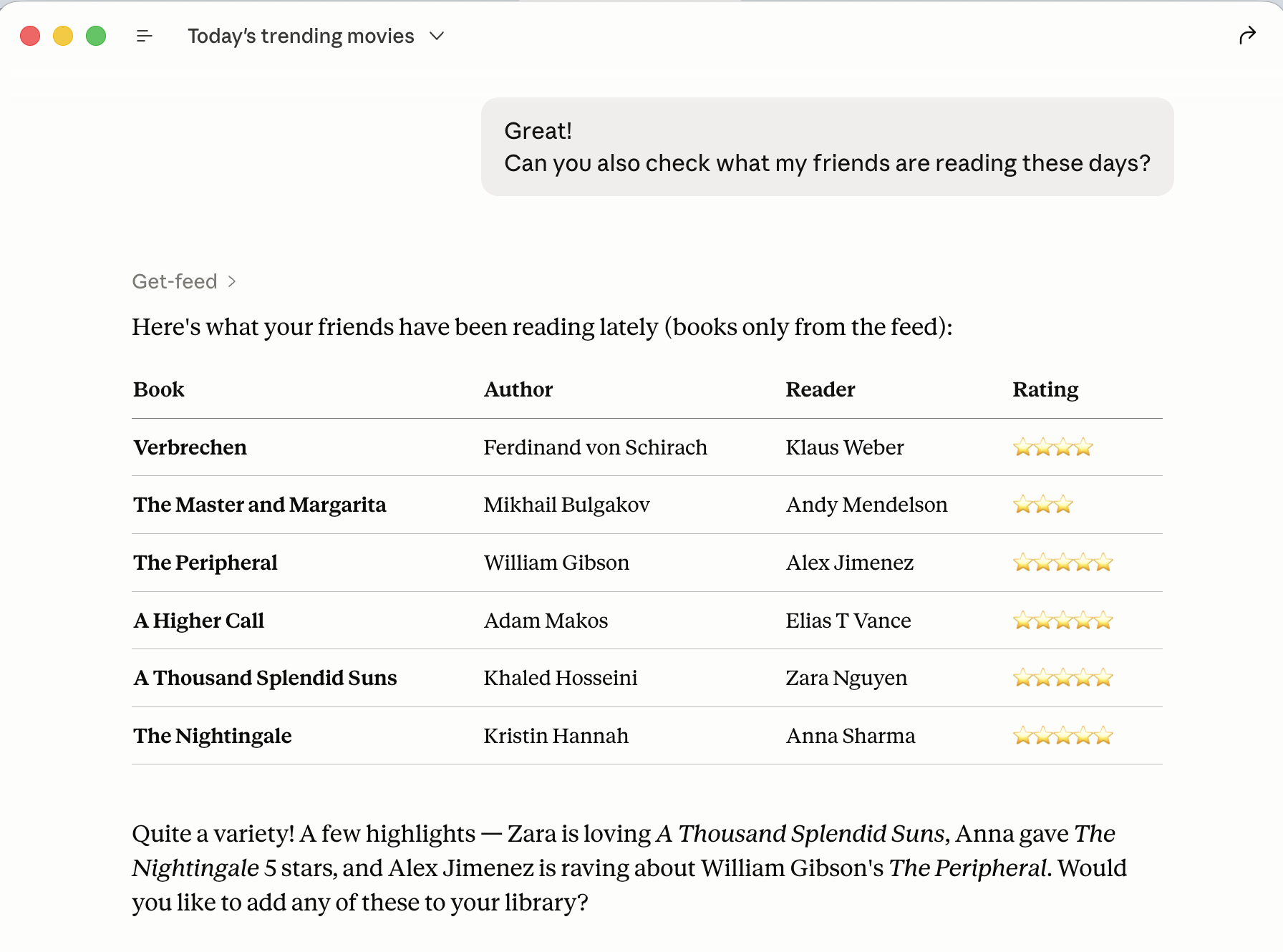
Yes — that's at the heart of Bufph. Your feed shows everything the people you follow have recently read or watched, along with their ratings and any notes they've left. It updates in real time and scrolls back through their history, so you can go deep if you want to.
You can follow anyone on Bufph — friends, family, or public profiles whose taste you admire. You can browse their full library, see what they've rated highly, and follow their connections too. Discovery tends to snowball from there.
By default, yes — your profile is private when you join. Nothing is shared publicly unless you choose to turn it on.
Within your network, items only appear in your followers' feeds once you mark them as read or watched. Your watchlist — anything you've saved but haven't finished yet — is always private, visible only to you.
If you want to open your profile to a wider audience, you can do so in Settings under Preferences. You control whether to share just your profile or your profile and recent activity.
We never sell your data. Learn more in our Privacy Policy.
Yes. Bufph is free to use — no subscription, no paywall on the core features. You can build your full library, follow as many people as you like, and use the feed, notifications, and all social features without paying anything.
We may introduce optional premium features in the future, but the core experience will always be free.
Yes. You need a free account to use Bufph. You can sign up with your Google account, Apple account, or an email address and password — whichever you prefer.
Setup takes about a minute. A short wizard helps you set your location and language preferences (which shapes your recommendations), and suggests some people to follow right away.
For now, yes — books and movies are what Bufph does, and it does them well. More topics are on the roadmap. If you have a passion you'd love to track and share with your network, let us know — community input shapes what comes next.
In a couple of ways. Your feed is itself a recommendation engine — the people you follow act as a curated filter for things worth your time, and their ratings and notes help you decide what to try next.
Bufph also uses AI to surface relevant content based on your library, your ratings, and your preferences. The more you use it, the better it gets at understanding your taste.
Yes. On any item detail page, you'll find a share button that opens your device's standard share sheet — so you can send a book or movie to anyone via text, email, social media, or whatever app you prefer, whether or not they're on Bufph.
Bufph notifies you when someone you follow adds something new (once they've marked it as read or watched), and when someone new starts following you.
Notifications appear in-app and, on mobile, as push notifications. You can turn push notifications off in Settings if you prefer a quieter experience. In-app notifications are always on so you never miss activity when you open the app.
We're a small team and we genuinely read every message. The fastest way to reach us is through the in-app feedback form — open Settings, tap Feedback, and send us a note. You can also email us directly at support@bufph.com.
More details on the Support page.
Yes. Bufph has an MCP server that any MCP-compatible AI assistant can connect to. MCP (Model Context Protocol) is an open standard that lets AI tools talk directly to apps and services — so once connected, your AI assistant can interact with your Bufph library on your behalf, using natural language.
Authentication is handled with OAuth2: when you connect, you'll be asked to sign in to your Bufph account and grant permission. No passwords are shared with the AI tool — only a secure access token.
To connect any MCP-compatible AI tool to Bufph:
Don't have a Bufph account yet? Create a free account here.
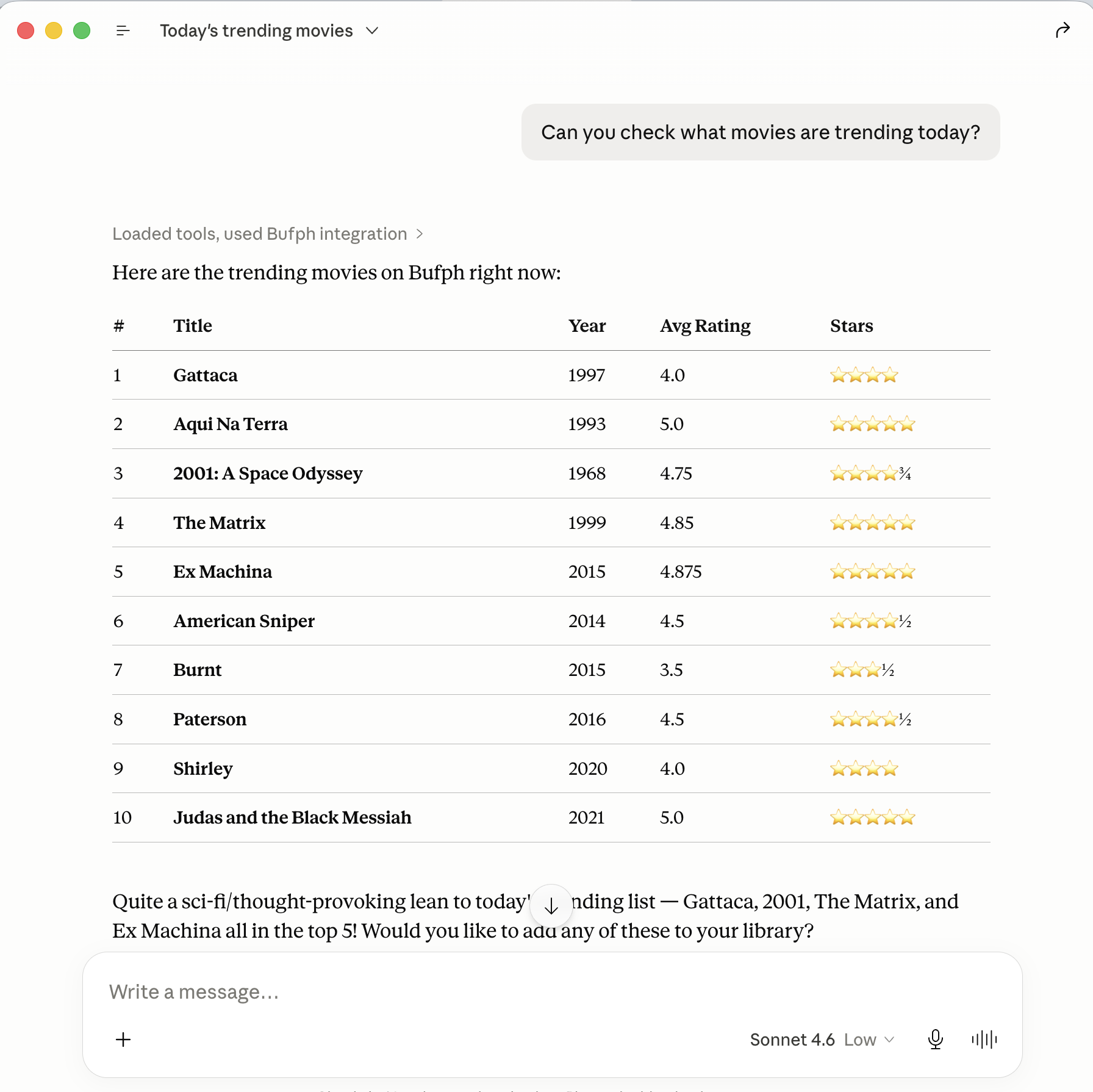
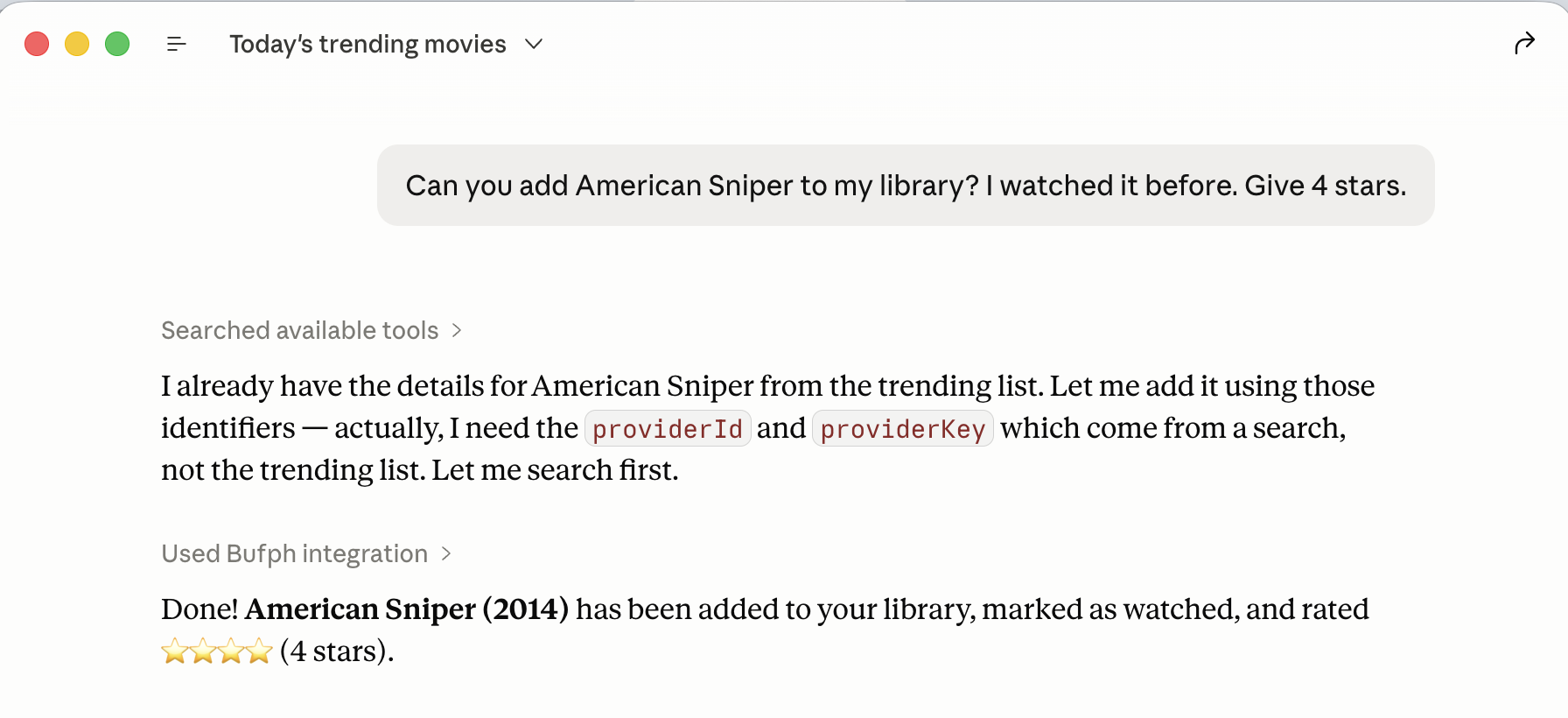
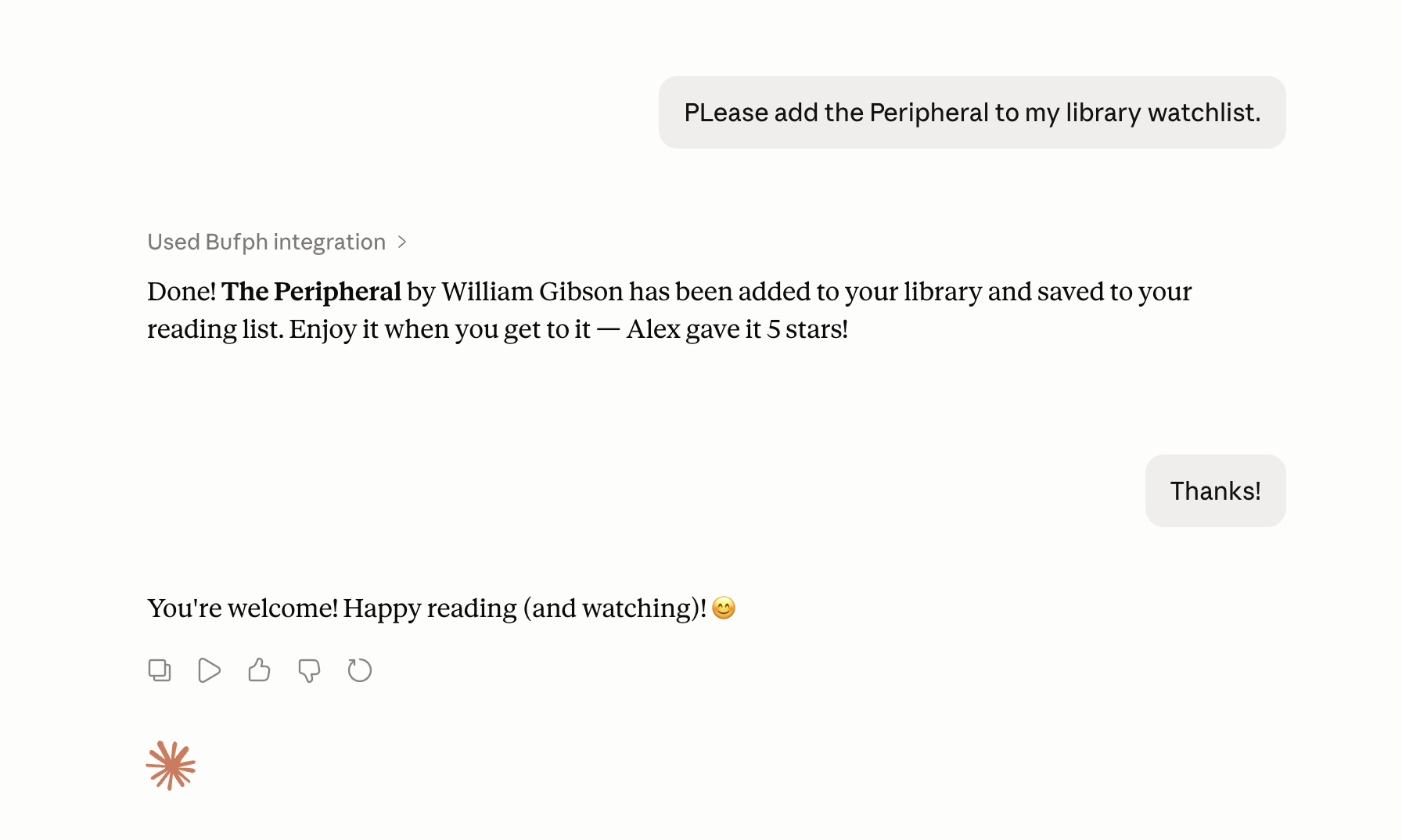
Once connected, you can use plain language to work with your Bufph library. Here are some things you can ask:
For step-by-step instructions specific to Claude, see Does Bufph work with Claude AI? below.
Yes. Bufph has an MCP server — MCP (Model Context Protocol) lets AI assistants like Claude interact directly with apps like Bufph, so you can search your library, log what you've read or watched, and get recommendations without leaving your conversation.
To connect Claude to Bufph:
Don't have a Bufph account yet? Create a free account here.
Once connected, you can ask Claude to interact with your Bufph library. For example: